
raw footage → finished ad
how i edit my ugc videos with claude fable 5.1 and arcads
I film the UGC. Then I drop the raw file into Claude on Fable 5.1 with the Arcads MCP connected, give it a little creative direction, and let it cut captions, B-roll, and pacing.
The annoying part of a UGC ad is not filming. It is everything after: edit, captions, B-roll, pacing. Two hours gone.
So I filmed a ugc video and handed the raw file to Claude through the Arcads MCP and used Fable 5.1 to finish it.
what you need
| Thing | Why |
|---|---|
| Claude Desktop (Pro) | Chat + connectors. This runs on desktop, not just the browser tab. |
| Arcads account with credits | The MCP spends Arcads credits when it generates or pulls assets. |
| Raw UGC video | Your filmed take. Talking head is fine. |
| Model: Fable 5.1 | The model I used for the edit pass. |
connect the arcads mcp
One-time setup in Claude Desktop.
- Open Claude Desktop → Customize → Connectors
- Add a custom connector
- Name it
Arcads - URL:
copyhttps://mcp.arcads.ai
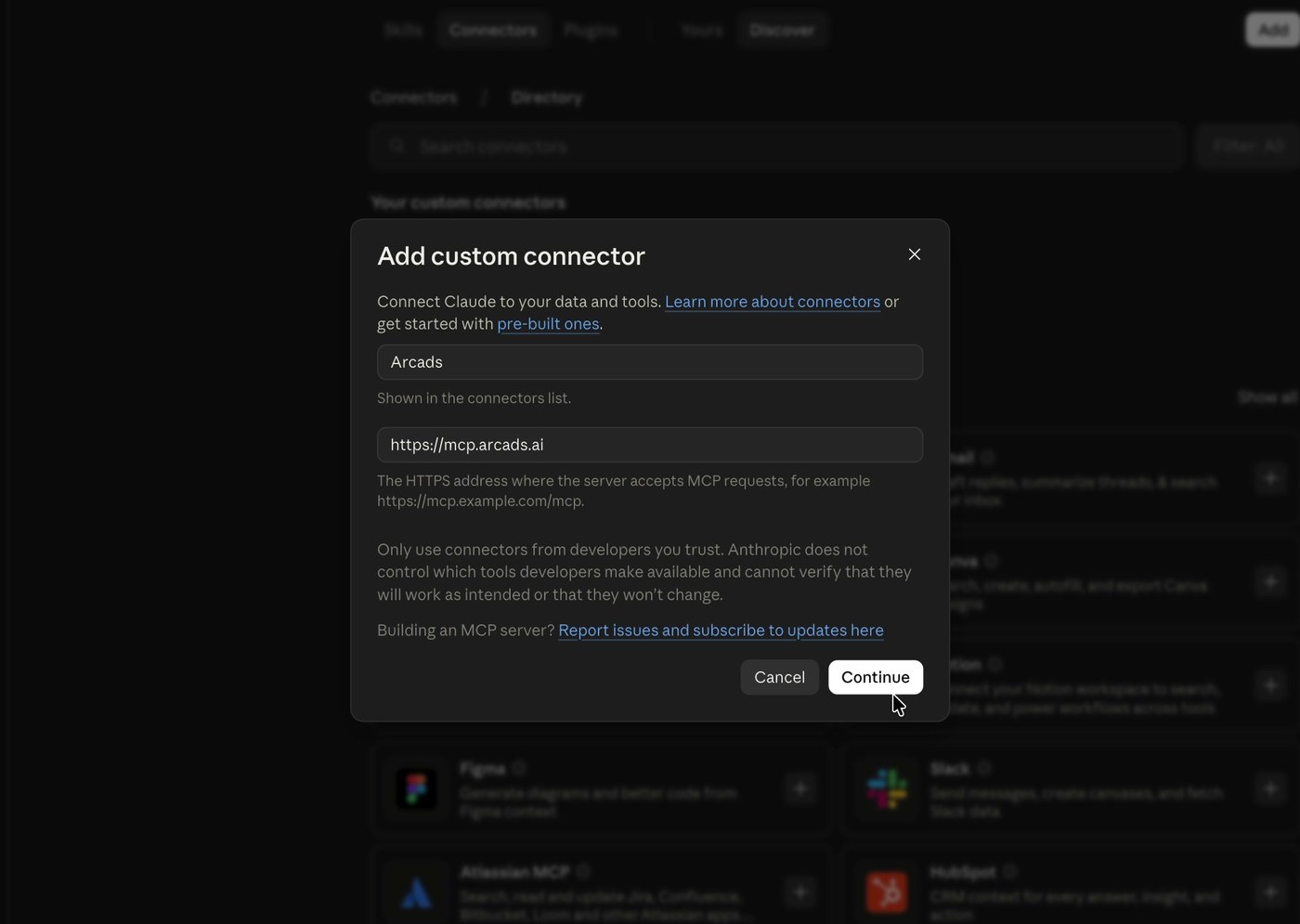
- Save, then hit Connect
- Sign in / authorize Arcads in the browser until you see authorization complete
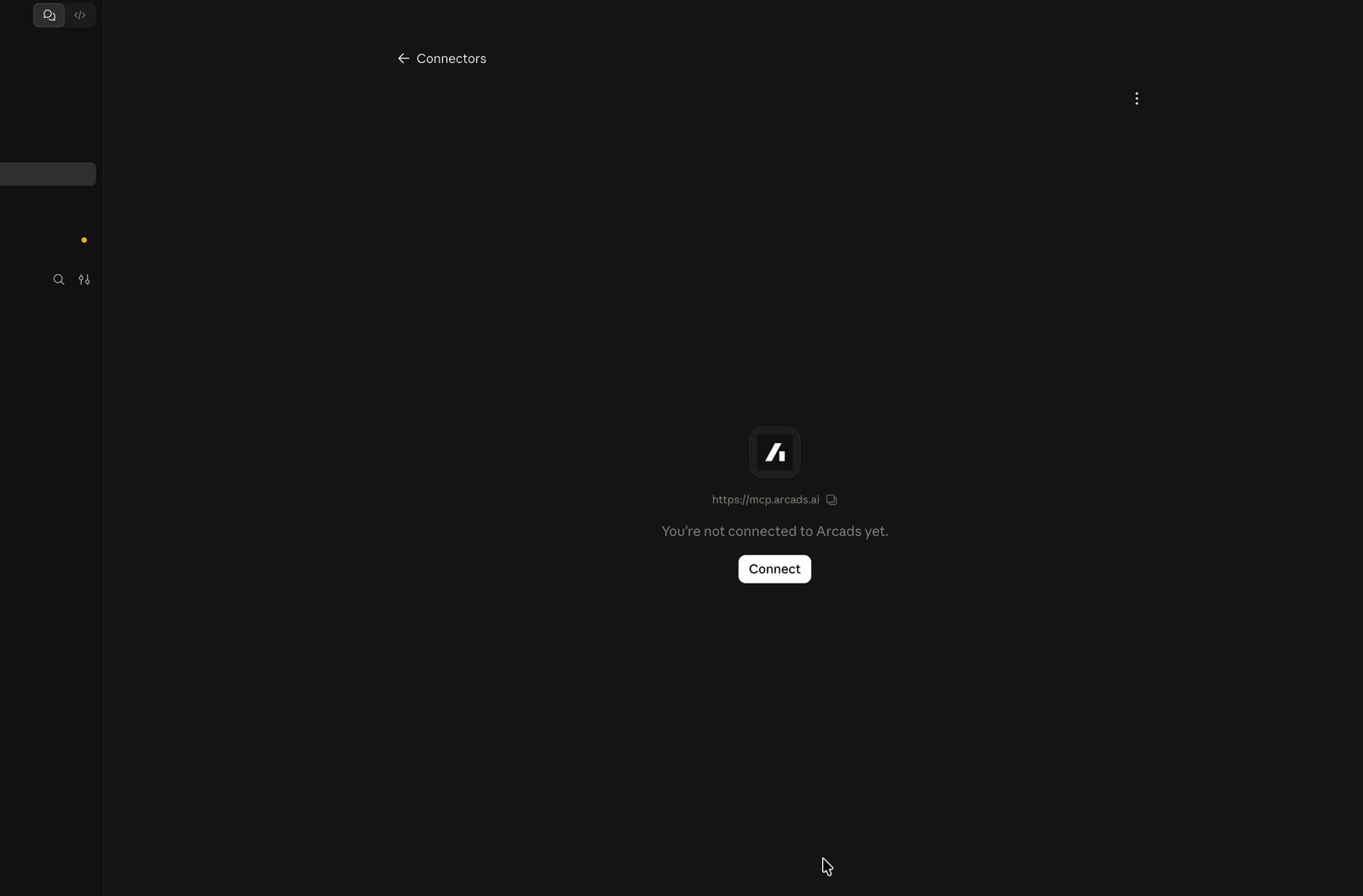
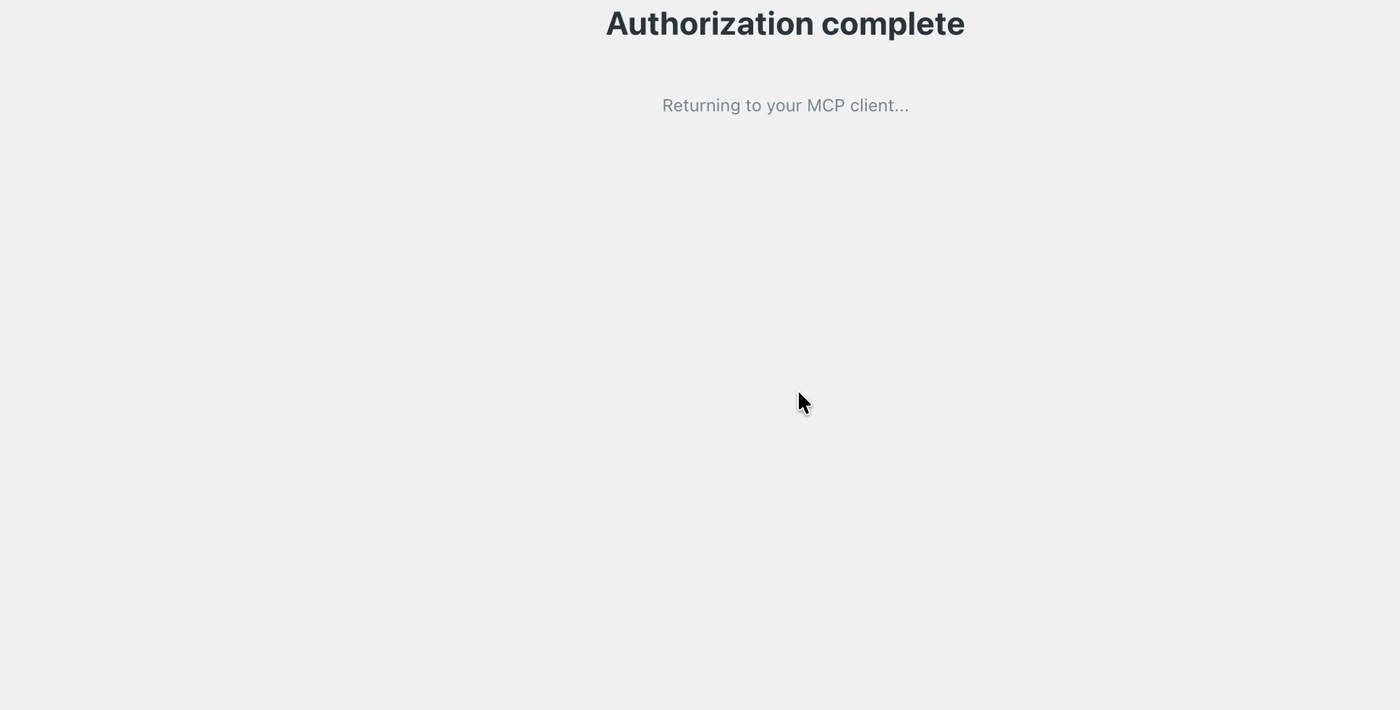
When it is connected, Claude can call Arcads tools inside the chat: upload footage, search brand assets, pull B-roll, caption, composite.
my flow
- Film the UGC. Cut nothing yet. Export the raw take.
- Open a new Claude chat. Set the model to Fable 5.1.
- Drop the video into the chat.
- Give creative direction. Mine looked like this:
copyturn this raw footage into a polished 9:16 ad. keep my face and my delivery. add captions, b-roll of the anyway matcha can, music, and tighter pacing. use Arcads.
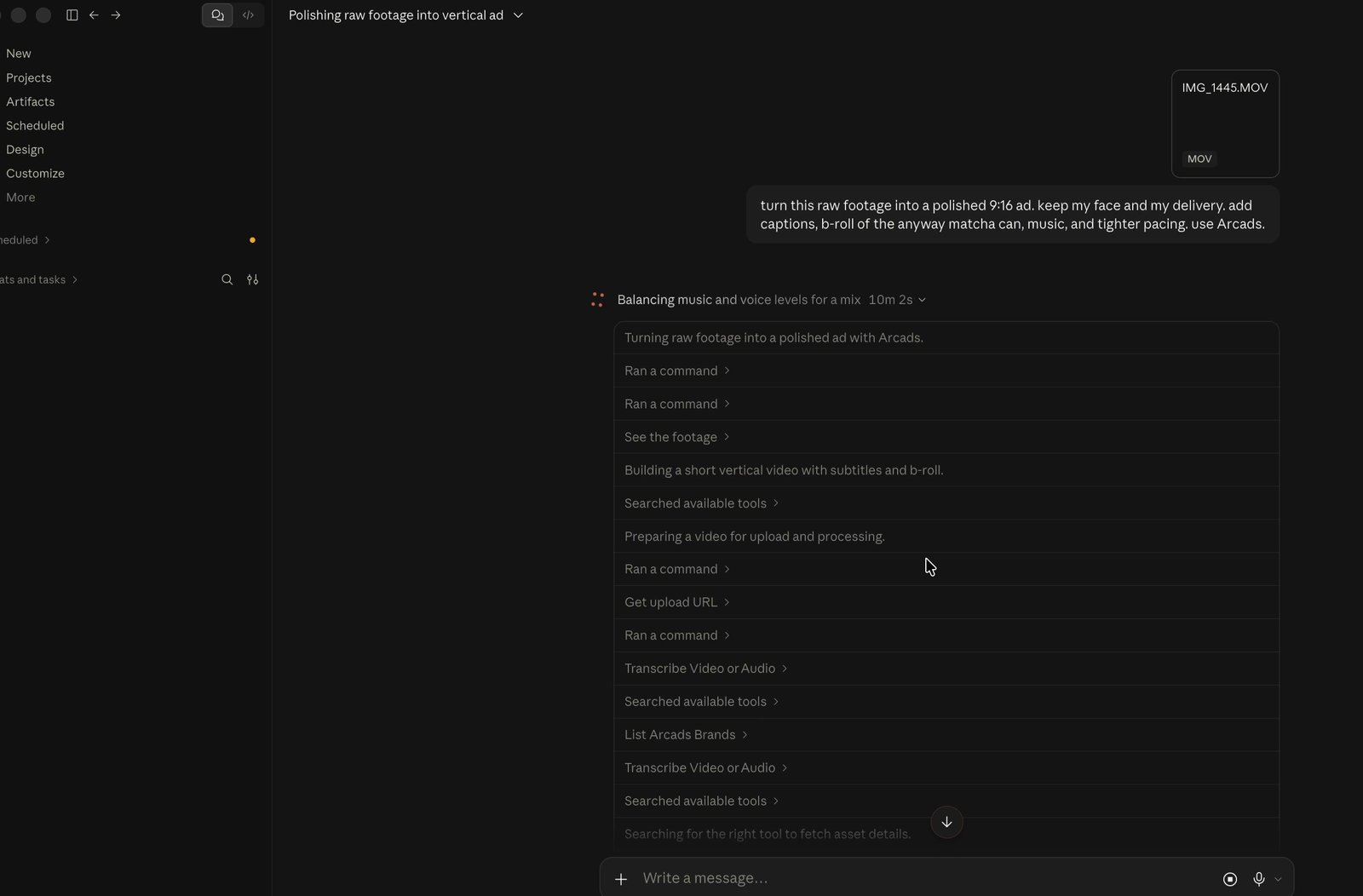
- Let it work. It will transcribe, pull Arcads assets, pick B-roll, set caption timing, tighten pacing, and mix music under the voice.
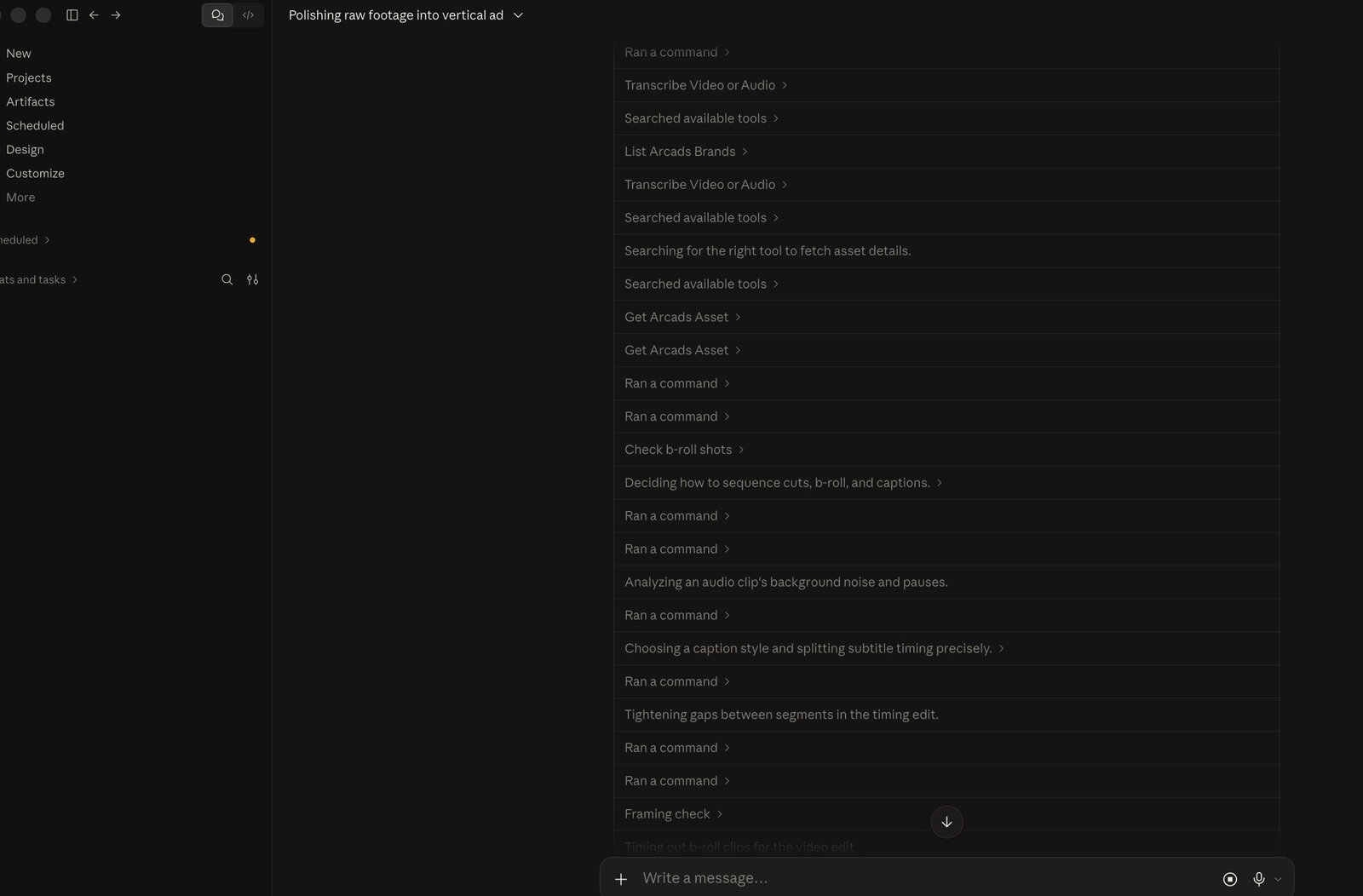
- Watch the cut. Talk back if something is off: shorter, different B-roll, quieter music, captions bigger. Same chat. A little back and forth is normal.
That is the whole loop. Raw file in. Direction in plain English. Finished vertical ad out.
what it actually does
In my run, Fable used Arcads MCP to:
- upload and transcribe the take
- list / search Arcads brand assets (I pointed it at the anyway matcha can)
- pull B-roll clips that matched the product
- place captions and tighten gaps
- composite layers and balance music under voice
You do not have to click CapCut for those steps. You steer in chat.
steal this
Paste into Claude after the Arcads connector is on and Fable 5.1 is selected. Swap the product line for yours.
copyturn this raw footage into a polished 9:16 ad. keep my face and my delivery. add captions, b-roll of [your product], music, and tighter pacing. use Arcads.
If you already know the vibe:
copyturn this raw footage into a polished 9:16 ugc ad.
keep my face, my voice, and my delivery.
cut the dead air. add captions.
pull b-roll of [product / brand] from Arcads where it helps.
light music under the voice, not over it.
show me the cut when you are done.
what to do next
- Connect Arcads MCP (setup above)
- Film one take
- Drop it into Fable 5.1 with the prompt
- Reply in the same chat until the cut feels right
Related: how i made realistic ugc ads in arcads (generating ads from stills, different job than editing filmed footage).